Key information
- ✓Times New Roman 12 point and line spacing 1.5 are common, but not universal.
- ✓Footnotes, figure captions, and headings can have separate settings.
- ✓Use styles in Word so that changing your requirements later doesn't mean having to manually edit every page.
The most common settings and university requirements
For example, the standards of the Academy of Special Education indicate Times New Roman 12 points and line spacing of 1.5 for the main text. Some majors' guidelines allow Times New Roman or Arial. This is enough to stop treating one template downloaded from the Internet as a recipe for every job.
Also check margins, alignment, paragraph indents, page numbering, and caption format. The correct font is not enough if the rest of the layout violates the instructions.
How to set the font in Word?
Change the body text style instead of selecting each paragraph individually. In the style, specify the font type and size, line spacing, and spacing before and after paragraphs. Prepare separate styles for headings, captions for figures and tables, and footnotes.
After changing the style, check several different pages: the beginning of the chapter, the table page, the notes, and the bibliography. Manually formatting pasted fragments may overwrite the style; such places need to be cleaned and reapplied.
What to check before sending a PDF?
Compare the document with the department's current template. Check that headings are not left alone at the end of the page, tables do not extend beyond the margin, and that captions and page numbers are legible. Then generate a PDF and view it in its entirety, as the layout may shift during export.
If the supervisor changed the requirements during work, update the styles and automatic lists. It's safer than manually correcting dozens of fragments.
How can you adapt the structure to your work?
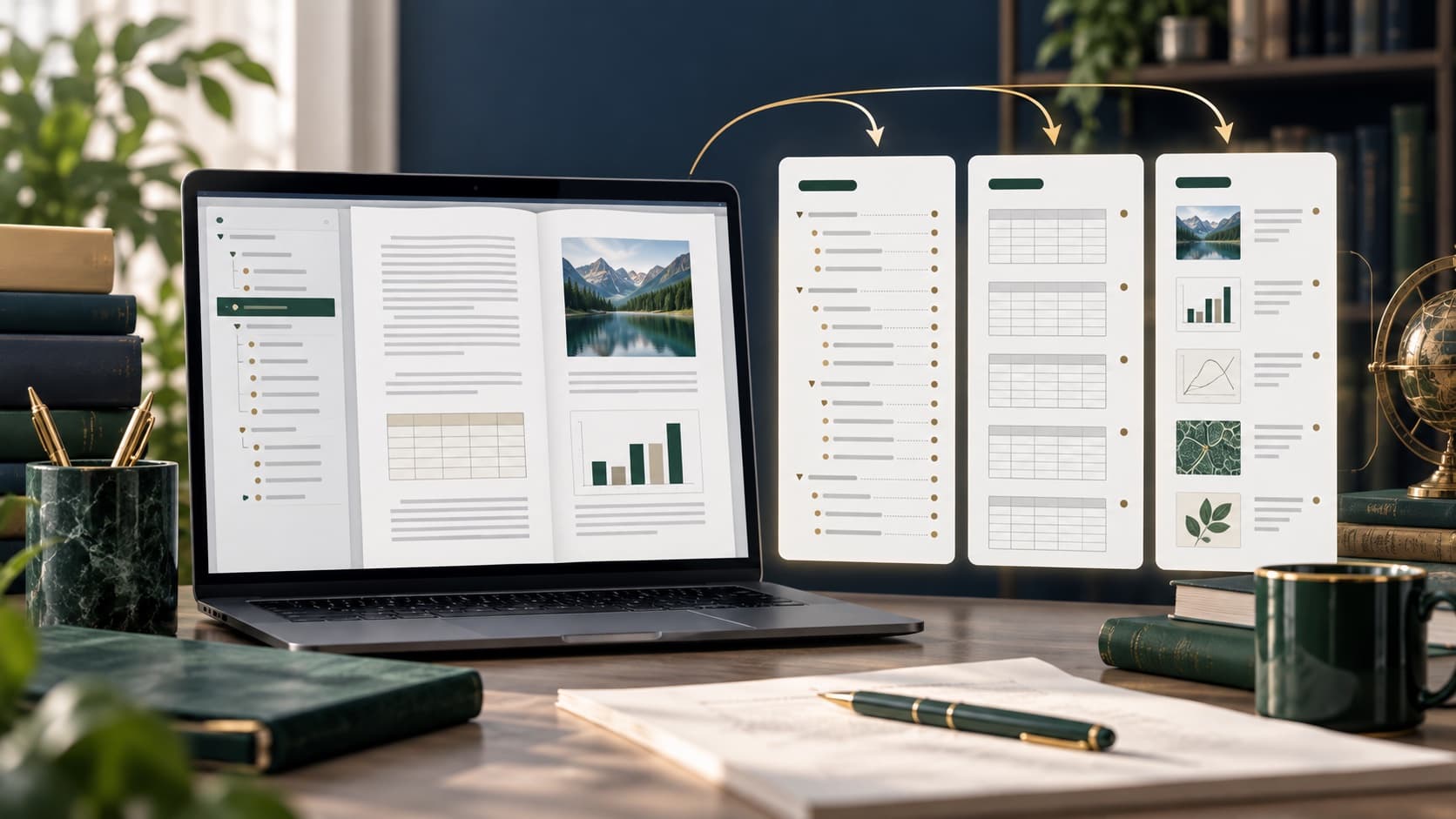
List the elements required by your department and mark those relevant to your programme and type of assignment. Compare them with your aim and the material you actually have. Only then decide the order of chapters, headings or document sections.
Give each part of the outline one job: define a concept, describe the method, present a finding or answer a research question. If two parts do exactly the same job, combine them or make their scope clearly different.
What should you check in sources and guidelines?
Use the current instructions from your own department, not a random template from another university. Check required sections, heading levels, table and figure numbering, and citation rules. An older template may contain outdated fields or a different layout.
For each planned subsection, note where its material will come from: publications, documents, data or your own analysis. If a key part has no suitable sources, narrow the topic or change the structure before writing many pages.
How can you avoid last-minute revisions?
Once you have a draft introduction, read the headings alone. Do they lead from the problem to an answer? Then compare the conclusion with the aim in the introduction and remove promises the work does not fulfil.
Update the automatic contents page, captions, cross-references and numbering. Open the exported PDF because a table or page break may move outside the editor. Keep an editable copy before the final export.
A practical check before sending the file
Make a copy and read the document in the reader's order: title page, contents, introduction, main chapters, conclusion, references and appendices. Mark headings that promise something different from the paragraph below them. This catches gaps more effectively than correcting isolated sentences in random order.
Check automatic elements in Word too: heading styles, table and figure captions, cross-references and page numbers. If your department provides a template, compare both the DOCX and final PDF with it. The exported file may look different from the editing view.
Summary
The safest answer to the font question is: the one indicated in your entity's current guidelines. Set the styles once at the beginning, then check the entire document and PDF before handing it in.
Frequently asked questions
Is Arial 12 acceptable?
In some fields yes, in others the guidelines only indicate Times New Roman. Check your department's document before changing the font throughout your work.
Should footnotes be the same size as the text?
Not always. Many instructions use a smaller font or single line spacing for footnotes. Requirements vary between units.
Does 1.5 line spacing apply to bibliography?
This cannot be assumed. Some guidelines cover the entire text, others make exceptions for bibliographies, tables, summaries or footnotes.
Need support with your work?
Describe the topic, scope and deadline. We will review the materials, recommend the right support and prepare a clear quote.