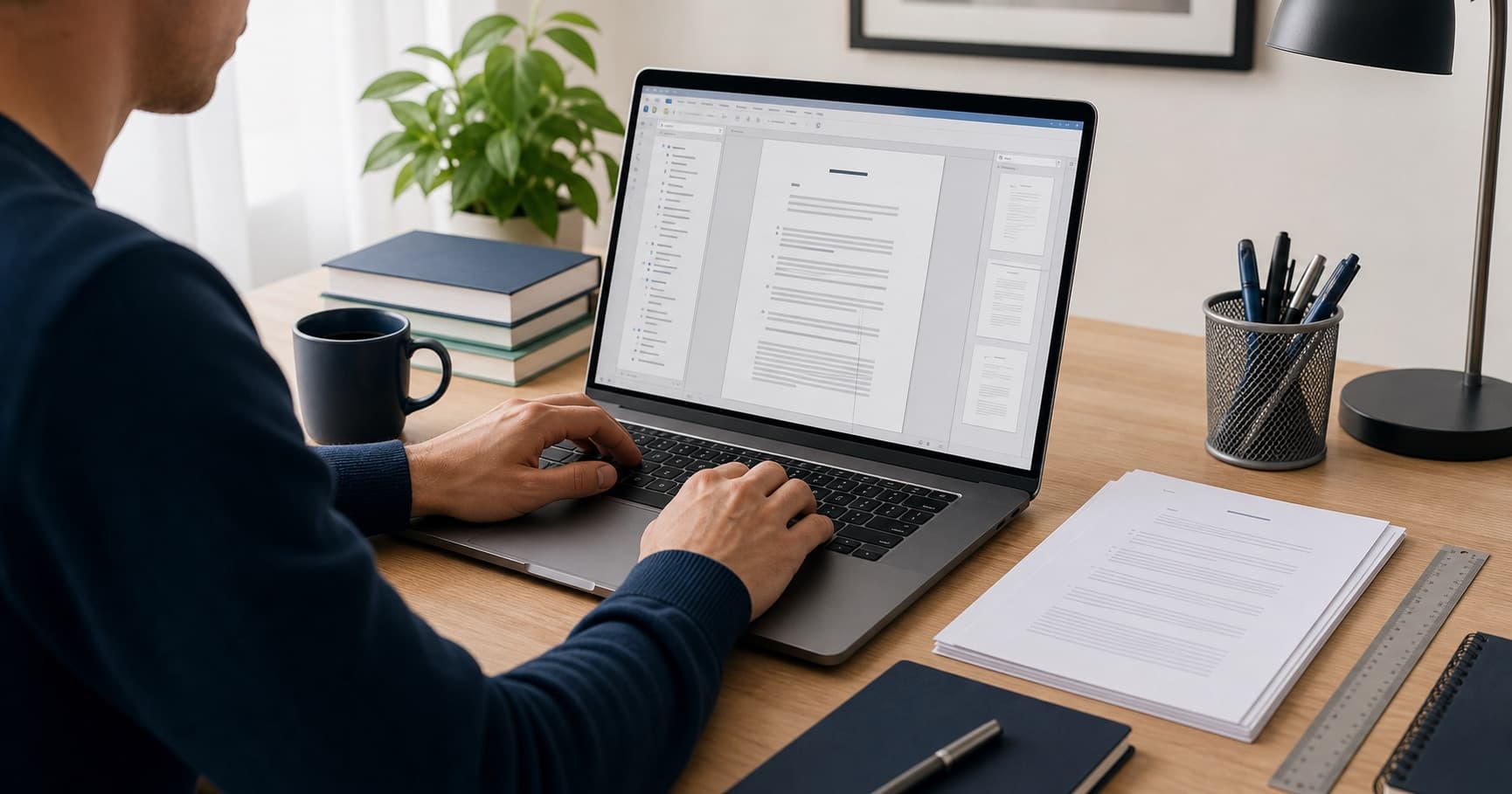
Automatic tables of contents, tables and figures in a thesis
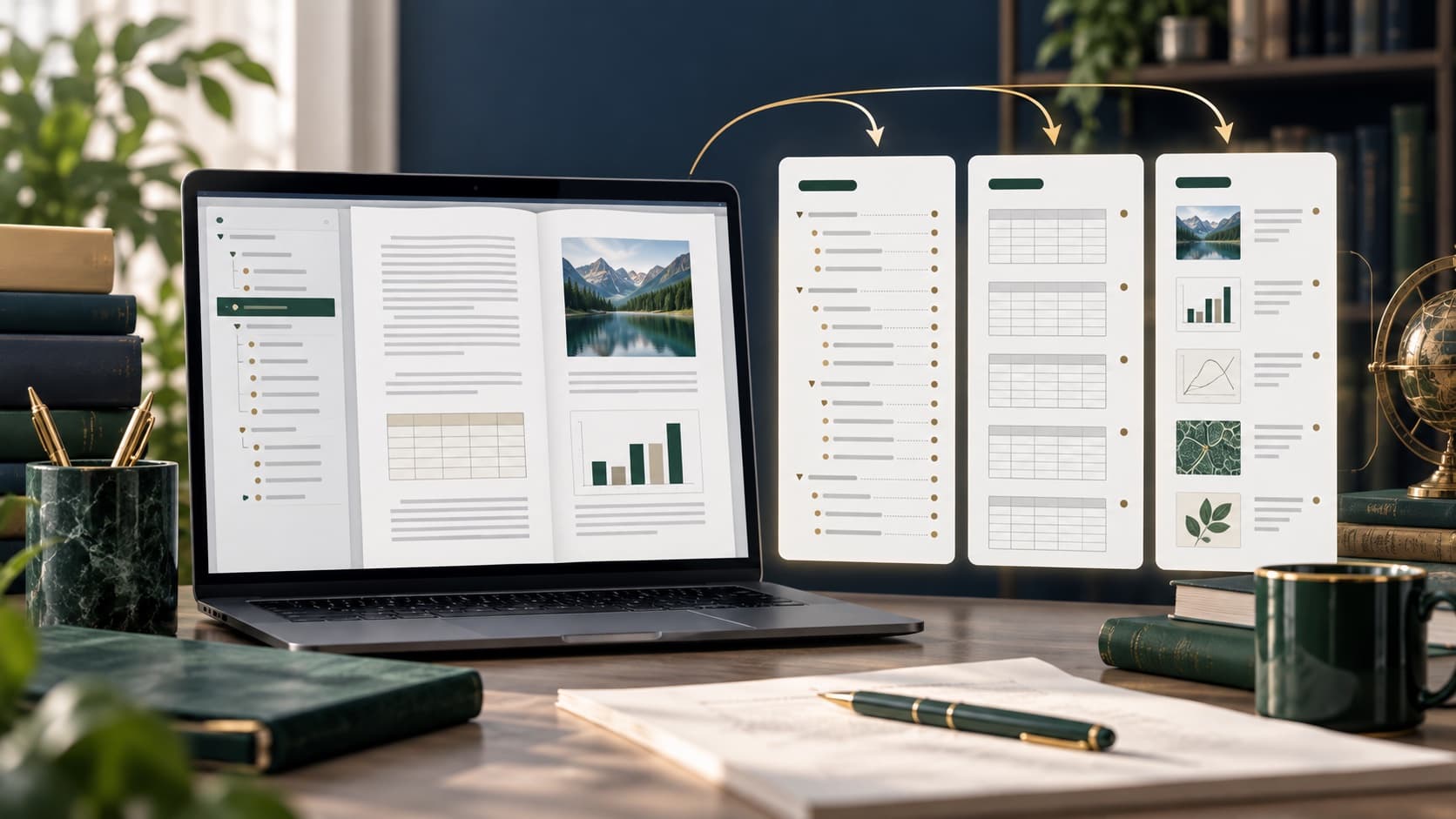
Manually entered records quickly stop agreeing with the document. Automatic records work correctly when the work structure is styled and tables and drawings have signatures created by the appropriate tool.
Key information
- ✓Give chapters built-in or correctly configured headline styles.
- ✓Enter the signatures of the tables and drawings as fields, not as plain text.
- ✓I'm going to refer the creation to the numbered elements.
- ✓Before submitting, update all fields and check the PDF.
Styles are the basis of the record.
Add appropriate header levels to the chapters and subheadings. Change the look by modifying the style, not manually formatting each title, so that the document maintains a logical hierarchy even after the font or spacing is changed.
Signatures of tables, drawings and charts
Each element should have a label, number and informational title. Using the signature function allows Ward to keep numbering and create separate records.
Internal referrals
Instead of typing in the text a fixed number, type a reference to a table, drawing, or chapter. When you add a new item, the number and reference can be updated together to prevent sentences leading the reader to the wrong table.
Updating before export
Select the document and update the field by selecting the update of the entire file. See the hierarchy in the navigation panel, check the breakdown of page titles and page numbers. Make the final check in PDF because the layout may change when exported.
Summary
Automation doesn't involve a single click at the end of the work, it requires consistent use of styles and signatures when editing, so that any changes to the layout can be safely reflected in the files.
Frequently asked questions
Why isn't the headline in the content list?
Most of the time, the text just looks like a headline, but it doesn't have the right style or level of concept.
Need support with your work?
Describe the topic, scope and deadline. We will review the materials, recommend the right support and prepare a clear quote.