Formatting tables and charts in a thesis
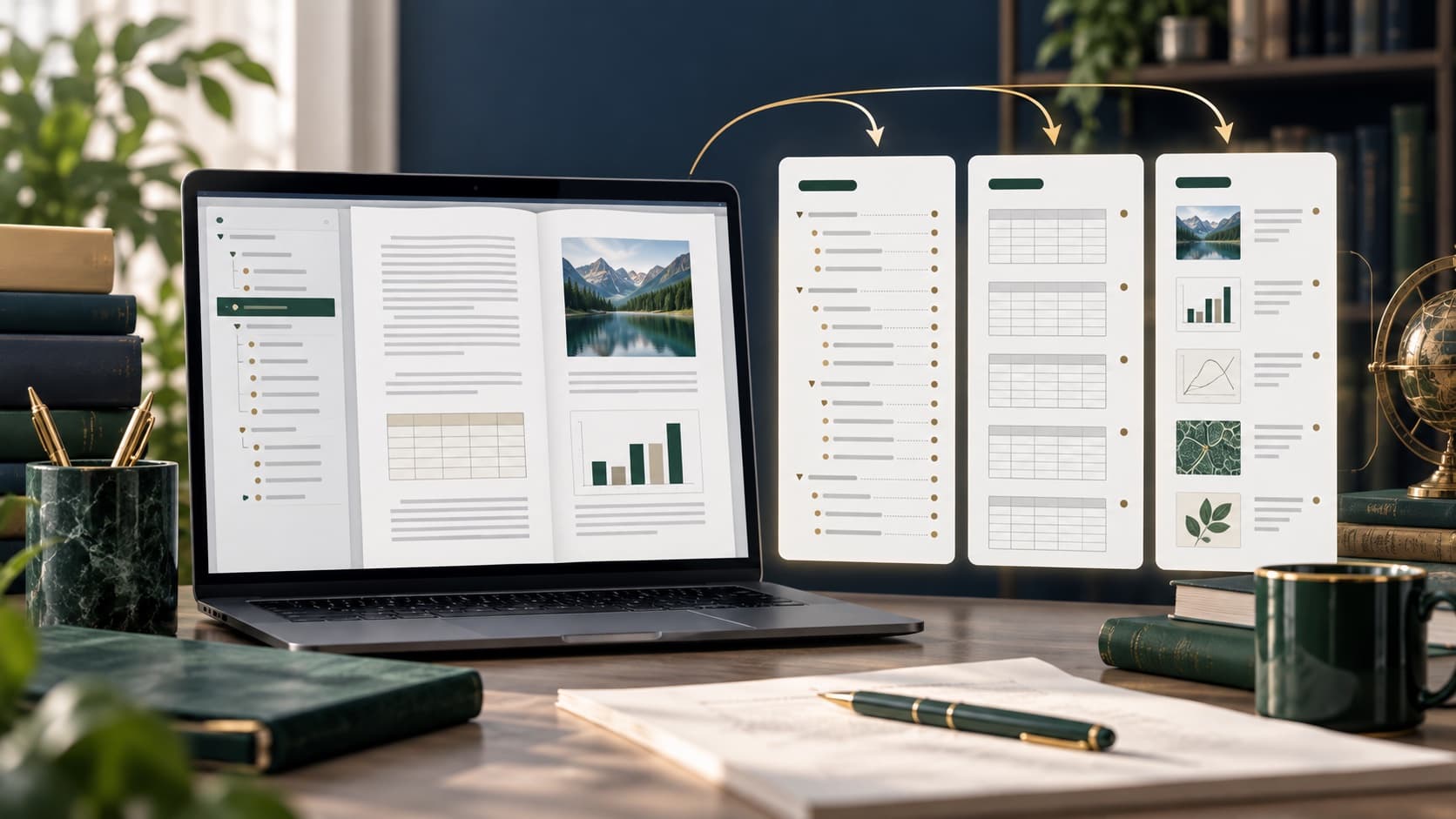
Each graphic element should have a clearly defined purpose, a legible signature, a source and a reference in the text explaining the most important conclusion.

Key information
- ✓One table or chart should answer a specific question.
- ✓Give the units, the basis of the percentages and the explanation of the abbreviations.
- ✓In the text, interpret instead of prescribing all the values.
- ✓Keep a single numbering and signature system.
When is the table, and when is the chart
A table is suitable when precise values or multiple categories are important. A chart helps to show a trend, structure or comparison. A circular chart rarely works for multiple categories, and three-dimensional effects can distort proportions.
Title, number and source
Use the next number and title to describe the content, not the subject of the chapter itself. Please indicate the source of the data under the item and indicate your own work if the data were actually processed independently.
Readability and availability
Use large enough letters, high contrast, and a limited number of colors, and don't base your series on color alone. The axes, units, and legends must be clear, and the number of places in each section must be tailored to the sense of measurement.
Description in the text
Before or after the item, place a reference and name the most important result. Notice the biggest differences, trends or exceptions. Do not draw causal conclusions from the chart itself, and do not name a significant difference without proper analysis.
Summary
A well-prepared graphic element can be understood without guessing the meaning of shafts, abbreviations, or colors, but at the same time the text should lead the reader to a conclusion that is not immediately apparent in the composition.
Frequently asked questions
Can the same data be displayed in the table and on the chart?
Usually, it's best to choose one form, and repetition is only justified if each form fulfils a different, clearly defined function.
Need support with your work?
Describe the topic, scope and deadline. We will review the materials, recommend the right support and prepare a clear quote.